Improved Mobile Workflow!
Hey everyone! In this video, I showcase the new mobile app workflow features we’ve developed. We’ve streamlined the…

Hey everyone! In this video, I showcase the new mobile app workflow features we’ve developed. We’ve streamlined the…
Recent changes to Wisconsin home inspection standards require specific modifiers to be used on the summary page. This…
Many jurisdictions have requirements that involve filling out standardized PDF forms. ScribeWare has powerful functionality to help…
InspectIt is closing down on June 31st. And we know how difficult it is to switch software….
The syncing of data, images, and videos usually happens behind the scenes automatically and without a hitch. If…
In ScribeWare 5.70, you can now call out a particularly important detail of an image with our new…
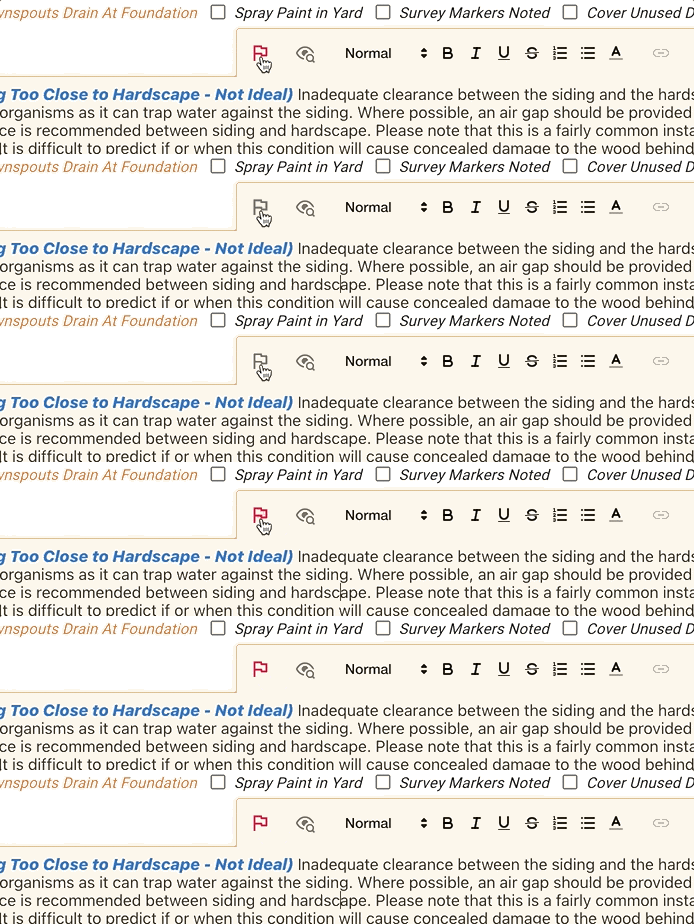
In ScribeWare version 5.68, we’re introducing an often requested feature we’re calling “report review”! Let’s say you’re out…

To finish setup: once your download is complete, go to your downloads folder and double-click the ScribeWare icon. This will open the program and start the installation process.
Then just follow the installation prompts, answer our initial survey questions, and you should be good to go. Remember to also download ScribeWare to your mobile device through your app store!
Need help going from there? Visit our Getting Started page, or email us at support@getscribeware.com.