Using ScribeWare for The Best Home Inspection Reports in the Industry
This article is designed as a series of tutorial videos to walk anyone through the steps needed to…

We’re an inspection report software company, so we like to about great reporting software (and yes, that means ScribeWare). Here are some of our blogs with tips on putting together great reports with ScribeWare.

This article is designed as a series of tutorial videos to walk anyone through the steps needed to…
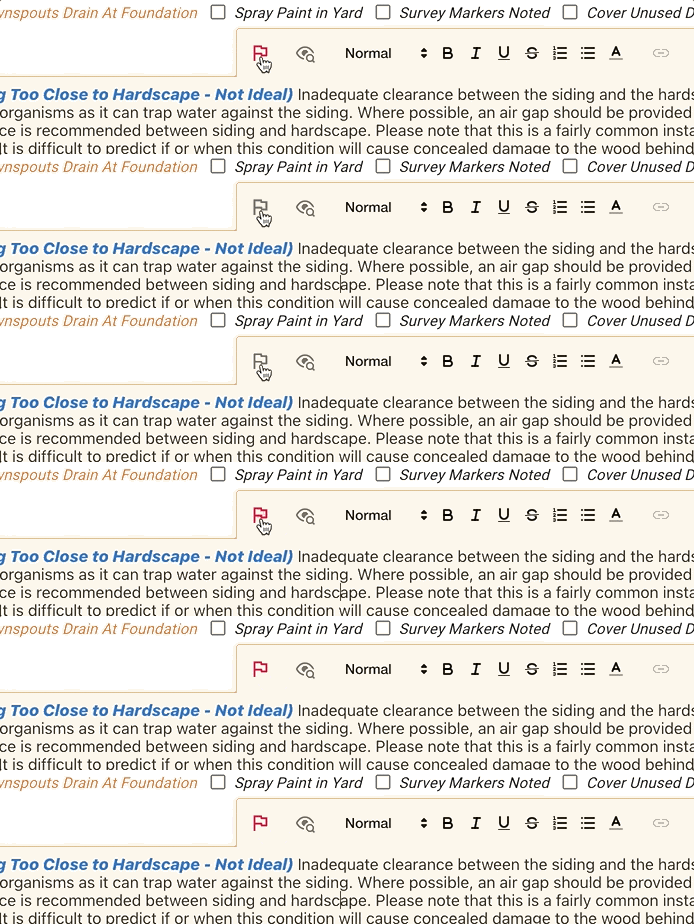
In ScribeWare version 5.68, we’re introducing an often requested feature we’re calling “report review”! Let’s say you’re out…
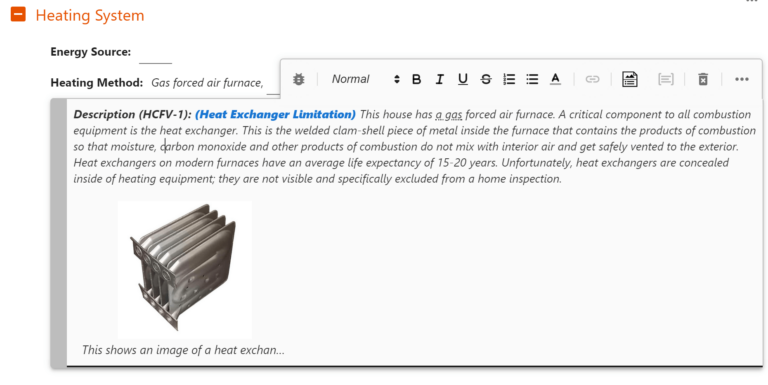
The Long Journey I have been an inspector long enough, that my first home inspection reports were written…
One of the more frustrating things home inspectors face in report writing is not being able to locate…
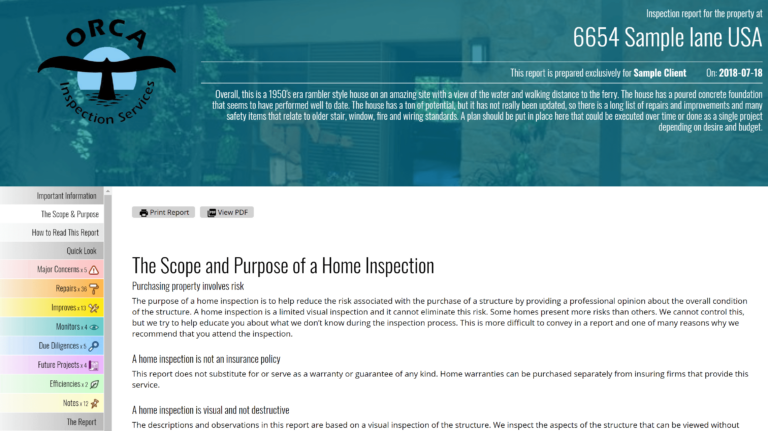
ScribeWare is the best way to write a quality report! Home Inspectors who choose ScribeWare care about the…

To finish setup: once your download is complete, go to your downloads folder and double-click the ScribeWare icon. This will open the program and start the installation process.
Then just follow the installation prompts, answer our initial survey questions, and you should be good to go. Remember to also download ScribeWare to your mobile device through your app store!
Need help going from there? Visit our Getting Started page, or email us at support@getscribeware.com.