Mastering ScribeWare: How to Get Help and Optimize Your Inspection Workflow
ScribeWare is a powerful home inspection report writing software, designed to be flexible and adaptable to each inspector’s…

ScribeWare is a powerful home inspection report writing software, designed to be flexible and adaptable to each inspector’s…
In the world of home inspection software, a trend has emerged: everyone’s trying to do it all. From…
Hey everyone! In this video, I showcase the new mobile app workflow features we’ve developed. We’ve streamlined the…
Is your engineering company still documenting projects in Word and Excel? While these are powerful software systems, they…
We’ve always been laser-focused on making the best reports on the market. And that is why we excel…
Recent changes to Wisconsin home inspection standards require specific modifiers to be used on the summary page. This…
With a brand new trec-compliant home inspection report software system After almost a year of work to get…
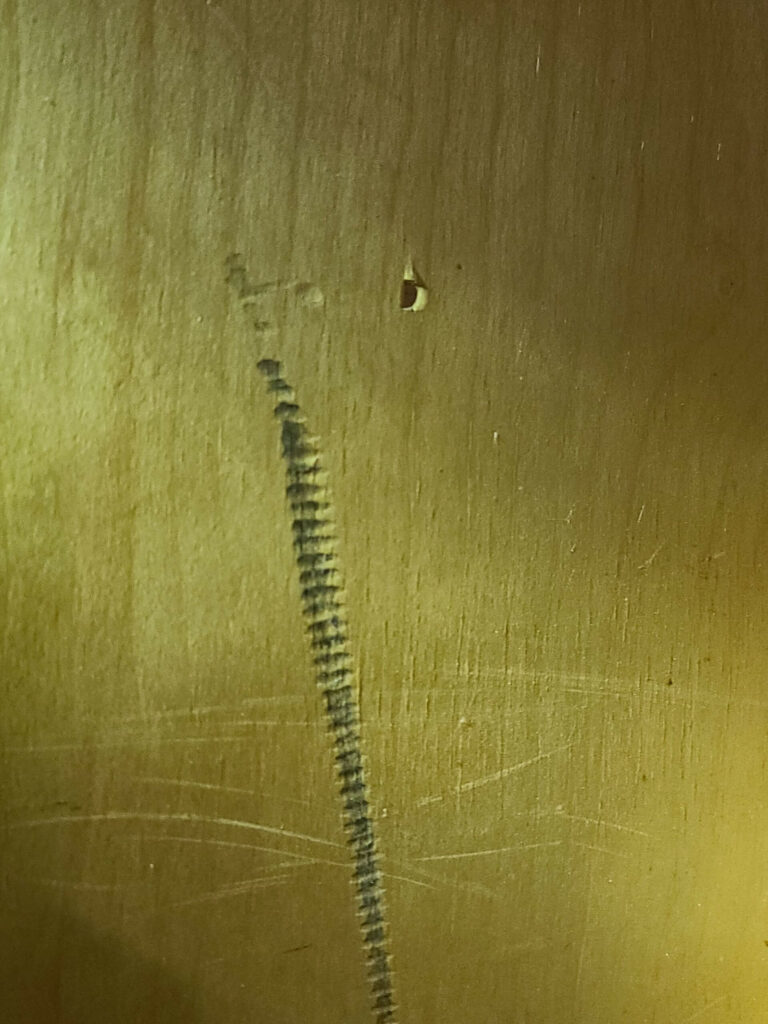
This photograph may not look like much, but it represents one of the stark realities of home inspection….
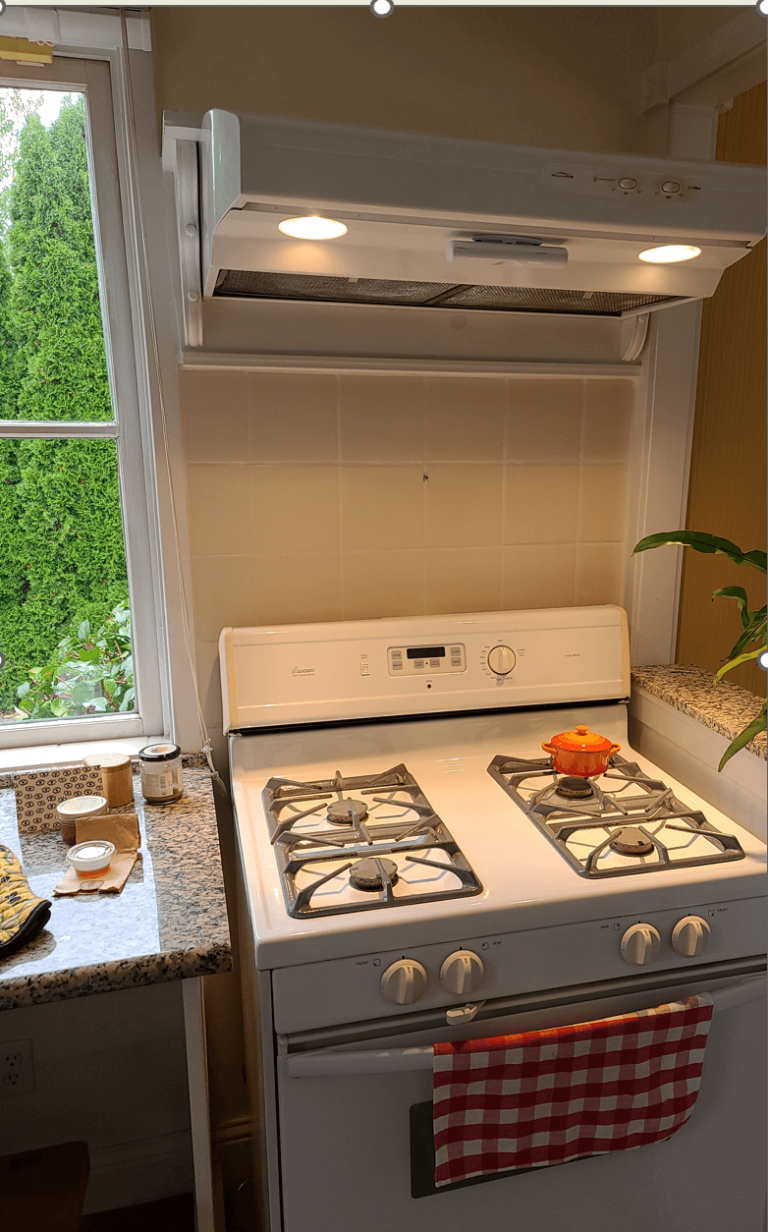
This is a simple question that should have a simple answer, but a tangle of national and local…
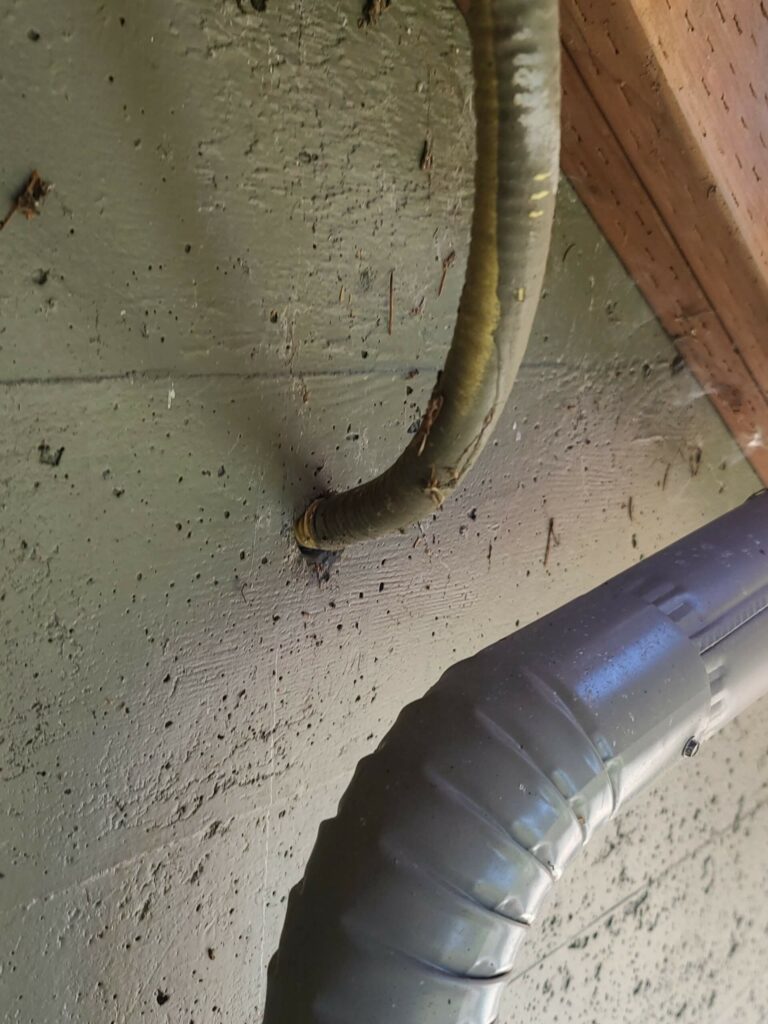
I ran into this the other day on a 1950’s era house that was fairly meticulously updated by…

To finish setup: once your download is complete, go to your downloads folder and double-click the ScribeWare icon. This will open the program and start the installation process.
Then just follow the installation prompts, answer our initial survey questions, and you should be good to go. Remember to also download ScribeWare to your mobile device through your app store!
Need help going from there? Visit our Getting Started page, or email us at support@getscribeware.com.